
Password Hygiene & Remote Security: Essential Best Practices for UK Startups and SMEs
12 August 2026
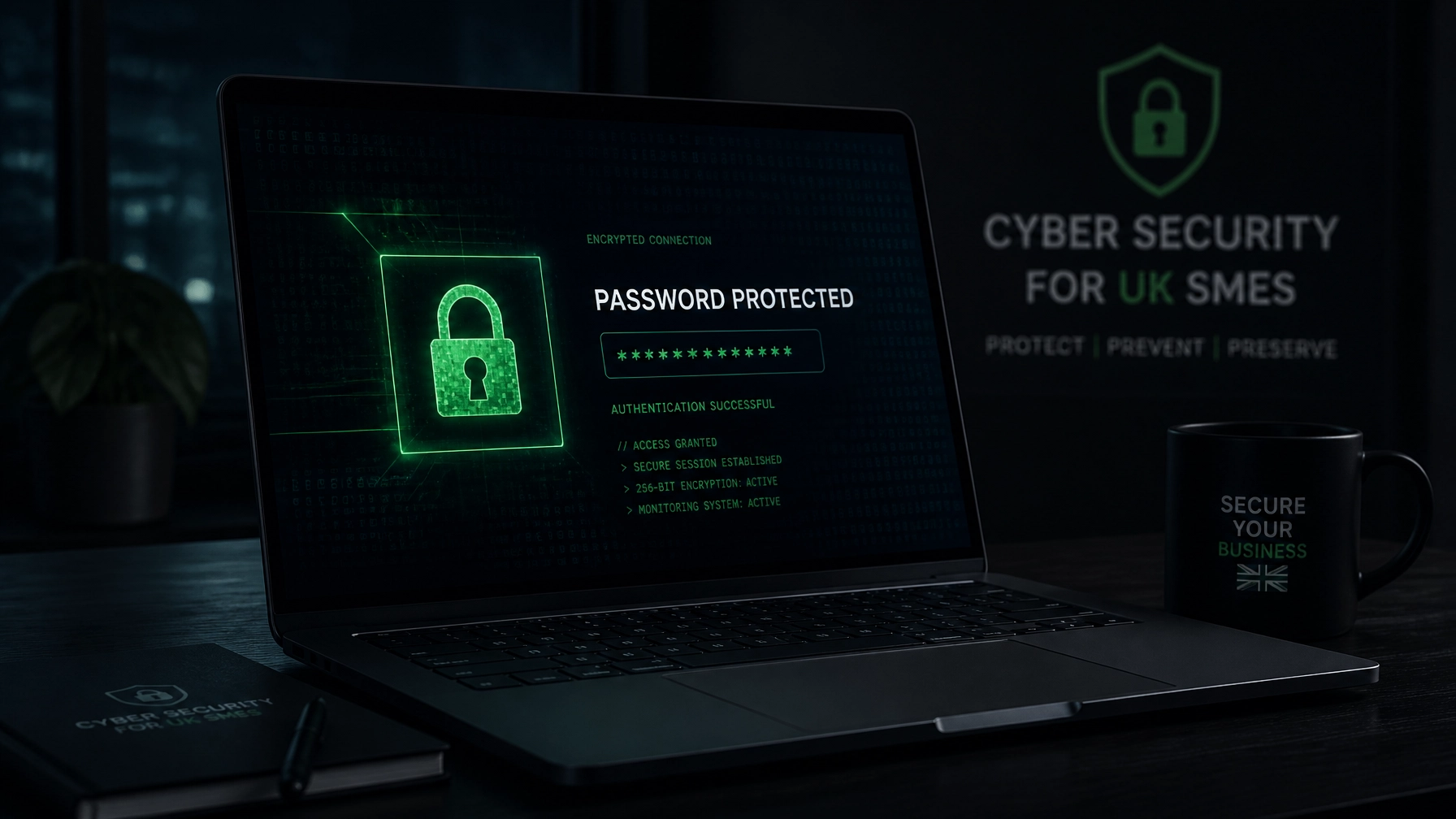
For UK startups and growing small-to-medium enterprises (SMEs), remote and hybrid working has unlocked incredible flexibility. Your team can collaborate from anywhere, hiring top-tier talent without geographic boundaries.
However, this decentralized working model also expands your digital attack surface. When sensitive company data, financial dashboards, and customer records sit across home Wi-Fi networks and personal devices, weak credentials become an open invitation for cybercriminals.
According to the National Cyber Security Centre (NCSC), credential theft remains one of the primary entry points for cyber attacks against British businesses. Yet, enforcing robust security shouldn't feel like navigating an administrative maze or slowing down your team's momentum.
In this practical, jargon-free guide, we examine the essential best practices for password hygiene and remote security, and explore how a Virtual Security Manager or fractional security support can help you enforce them effortlessly.
The True Cost of Poor Password Habits
Many growing teams treat passwords as an afterthought. Employees reuse the same memorable string of characters across personal email, social media, and vital work applications like Microsoft 365, accounting software, and CRM platforms.
When a third-party service suffers a data leak, cybercriminals deploy automated "credential stuffing" tools, testing those exact email and password combinations across corporate portals. Suddenly, a breach on a lifestyle website compromises your entire company network.
The Problem-Solution-Benefit Framework
- The Problem: Fragmented password storage (spreadsheets, sticky notes, browser auto-fill) leaves growing businesses vulnerable to automated credential theft and insider misuse.
- The Solution: Implement a managed, enterprise-grade password manager combined with clear organizational policies aligned with NCSC and ICO guidance.
- The Benefit: Total credential visibility, elimination of password reuse, and effortless compliance readiness: without frustrating your team.

5 Essential Password Hygiene Rules for UK SMEs
Modern security guidance has evolved. Outdated rules: like forcing monthly password resets that only result in users appending numbers (Password1!, Password2!): have been replaced by simpler, highly effective principles.
1. Embrace Long Passphrases Over Complex Strings
Forget cumbersome rules requiring random punctuation and mixed casing that nobody can remember. Instead, encourage staff to use passphrases: four or five random words strung together (e.g., “correct-horse-battery-staple”).
- Standard Accounts: Aim for a minimum of 12–15 characters.
- Admin & Privileged Accounts: Require 16+ characters and strict access controls.
2. Zero Tolerance for Password Reuse
Every work-related account must possess a unique credential. If a staff member uses their corporate email and password on an insecure external website, that single vulnerability must never compromise your core business infrastructure.
3. Mandate an Organisation-Wide Password Manager
Stop asking staff to remember dozens of passwords or store them in unsafe locations. Mandate an approved business password manager (such as 1Password, Bitwarden, or Dashlane) across the entire company. This allows secure credential sharing for team folders, automated password generation, and instant revocation when roles change.
4. Eliminate Routine Expiry
Modern cyber frameworks (including NCSC guidelines) advise against forcing routine password changes every 30 or 90 days unless there is a confirmed indicator of compromise. Forced resets encourage weak variations and write-downs on sticky notes.
5. Block Breached Passwords
Ensure your authentication systems and password vaults automatically screen against known compromised credential databases. If a chosen password appears in a public data breach, block it immediately.
Making Multi-Factor Authentication (MFA) Non-Negotiable
A strong password is no longer enough on its own. Multi-Factor Authentication (MFA) adds a vital second barrier: such as an authenticator app notification or hardware token: making credential theft virtually useless to attackers.
"Enforcing MFA across your primary productivity suite and remote access portals blocks the vast majority of automated remote attacks overnight."
Where MFA Must Be Enforced Immediately:
- Email & Collaboration Suites: Microsoft 365, Google Workspace, and Slack.
- Remote Access: VPNs, Remote Desktop Protocol (RDP), and cloud management consoles.
- Financial & Sensitive Systems: Payroll, banking portals, accounting software, and HR databases.
- The Password Manager Itself: Your master password vault must always be protected by robust MFA.
Securing the Remote Workforce
Password hygiene is only half the battle. When your team works remotely, endpoint security and network hygiene protect those credentials in transit.

Key Remote Security Best Practices:
- Full-Disk Encryption: Ensure all company-issued and BYOD (Bring Your Own Device) laptops have BitLocker or FileVault enabled to protect data if a device is physically lost or stolen.
- Centralised Endpoint Management: Use tools like Microsoft Intune to push security patches, enforce screen locks, and enable remote-wipe capabilities.
- Home Wi-Fi & VPN Guidelines: Instruct staff to secure home routers with strong administrative passwords and WPA3 encryption. Mandate corporate VPN usage whenever employees handle sensitive data on unfamiliar networks.
- Clear Incident Reporting: Establish an open, blame-free culture where staff know exactly who to notify immediately if they suspect a phishing attempt or lose a device.
A Practical Rollout Plan for Growing Teams
Implementing new security standards doesn't require months of disruption. A phased, structured rollout keeps teams productive and secure:
- Weeks 1–2: Policy & Tool Selection
Choose an enterprise password manager and define a streamlined security policy aligned with UK regulatory standards. Founders and leaders should adopt the tools first to set a strong cultural tone. 2. Weeks 2–4: Enrolment & MFA Activation
Onboard all staff into the password vault. Enable MFA across Microsoft 365, finance systems, and remote access channels. 3. Weeks 4–6: Vault Migration & Audit
Eliminate shared spreadsheets and insecure inbox "master passwords." Move shared credentials into permission-controlled vaults with designated business owners.

How a Fractional Security Consultant Can Help
For many startups and SMEs, hiring a full-time Chief Information Security Officer (CISO) is cost-prohibitive. Yet, navigating complex compliance frameworks: such as achieving Cyber Essentials accreditation: requires specialized expertise.
This is where SimpleCyber steps in. As your Virtual Security Manager, we provide flexible, jargon-free cybersecurity leadership tailored to growing UK teams. Whether you need a fractional security consultant for a specific project or ongoing guidance to protect your remote workforce, we remove the administrative burden and translate technical requirements into practical, cost-effective solutions.
Strengthen Your Remote Security Today
Securing your remote team and mastering password hygiene is one of the highest-return investments you can make in your startup's resilience. You don't need a massive budget or an in-house security department to get it right.
Get in touch with SimpleCyber today to discuss how our flexible security consulting and Cyber Essentials guidance can protect your growing business.